


Dab Pumps - Charge Port Cap for EsyBox Mini 3 - SP00002183
Brand: Dab Pumps
Charge Port Cap - EsyBox Mini 3 - SP00002183
DAB lists this part as CHARGE PORT CAP and shows a quantity of 2 per pump, the only position on the EsyBox Mini 3 list apart from the shell caps to carry a quantity above one. The DAB instruction manual describes a filling cap that is taken out with a screwdriver so the system can be filled with clean water through the loading door, and notes that slackening the filling cap enough to vent trapped air lets the system load completely.
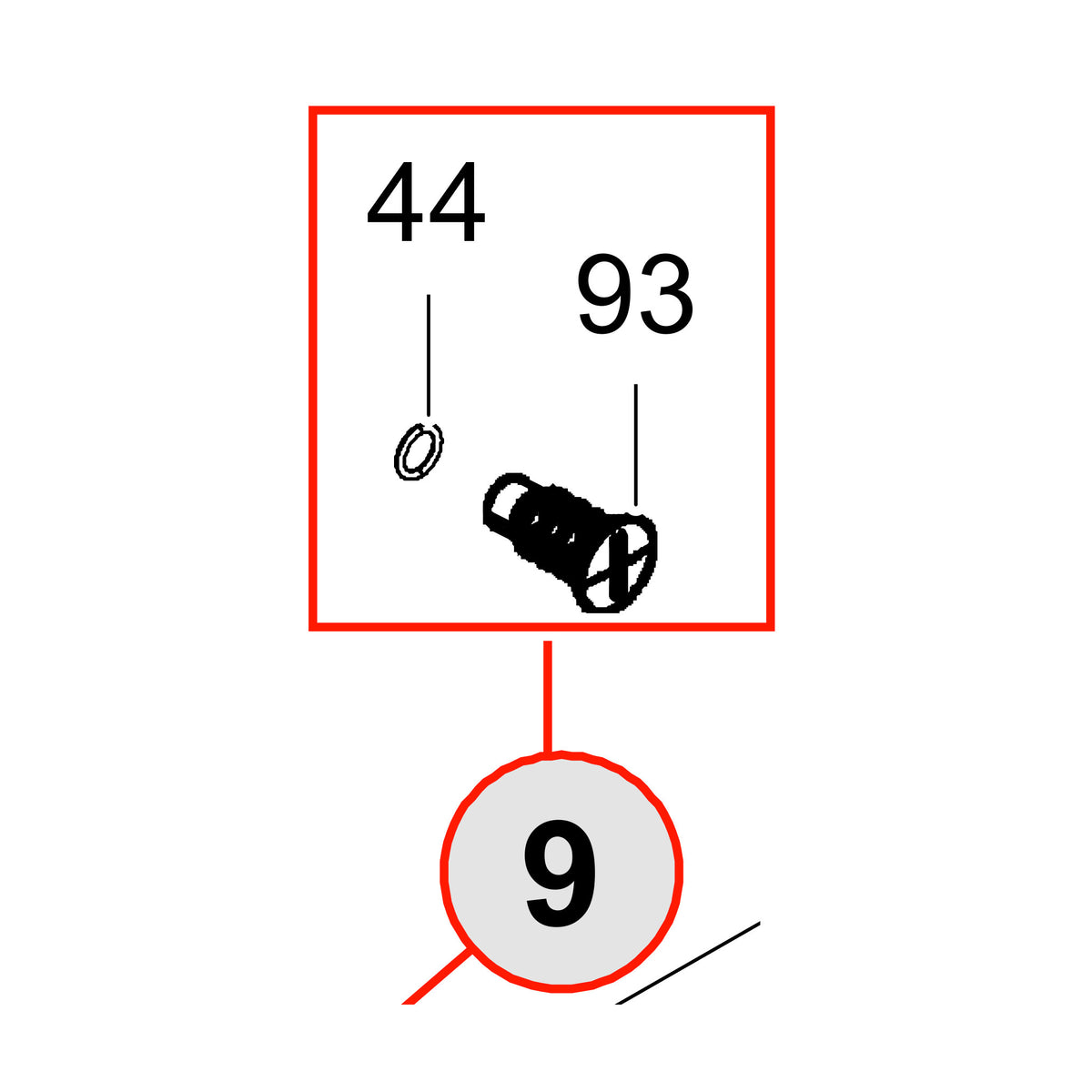
Position 9 on all four DAB lists. The exploded view draws it as a slotted screw-in cap with its sealing ring, in the shell group beside the back shell at position 4 and the rear cover at position 5. DAB places a filling cap inside the technical compartment on Face A for the vertical configuration, and identifies the one on Face F as the filling cap for the horizontal configuration.
Fits
- DAB EsyBox Mini 3, all four published revisions: N.1 (product code 60179457), N.4 (60183501), N.5 (60183501) and N.6 (60212598). DAB lists this part at position 9 on every one of them.
- Stable across all four revisions. DAB uses the same item number, SP00002183, at position 9 on N.1, N.4, N.5 and N.6, so you do not need to know which revision you own before you order this part.
- The four DAB lists behind this listing are a Schuko build, product code 60179457, and Australian builds, product codes 60183501 and 60212598. DAB publishes no US list in this document series, so US buyers should check the item number against the technical data plate on their own pump before ordering.
Before You Order
- DAB prints this caution at the head of every EsyBox Mini 3 spare parts list: "Attention: check the correspondence with the revision of your product."
- DAB shows 2 of this item per pump. This listing is priced per DAB item number, so order the quantity you need.
- DAB names several caps on this pump separately, including the shell caps at position 7 and the kit cap for the motor shaft port at position 25. Match the cap against the exploded view before ordering.
- How to check your own pump. DAB keeps the technical data plate inside the technical compartment. Open the door on Face A, which is the top face of the pump in the vertical installation, and read the plate: DAB shows it as item 2 in Figure 3 of the EsyBox Mini 3 instruction manual, alongside the quick guide, the filling cap, the accessory tool, the motor shaft and the QR code. If you cannot make out a revision, photograph the whole plate and send it with your order.
- DAB instruction manual, maintenance section: disconnect the power supply before starting any work on the system.
- For context, four positions on this pump do change between revisions: the HMI at position 8, the power cable at position 10, the main board at position 12 and the complete motor at position 18. DAB also adds a bug filter to the list from N.4 onward. This part is not one of them.
Choose options