


Dab Pumps - Pressure Sensor 0-16 Bar for EsyBox Mini 3 - SP00002196
Brand: Dab Pumps
Pressure Sensor 0-16 Bar - EsyBox Mini 3 - SP00002196
DAB lists this part as PRESSURE SENSOR 0-16 BAR. The DAB instruction manual explains that the electronic control integrated in the system is of the inverter type and makes use of flow, pressure and temperature sensors that are also integrated in the system, and that by means of these sensors the system switches on and off automatically according to the demand and is able to detect, prevent and indicate conditions of malfunction. Pressure is what the inverter holds constant, and it is the value shown on the VP pressure display page.
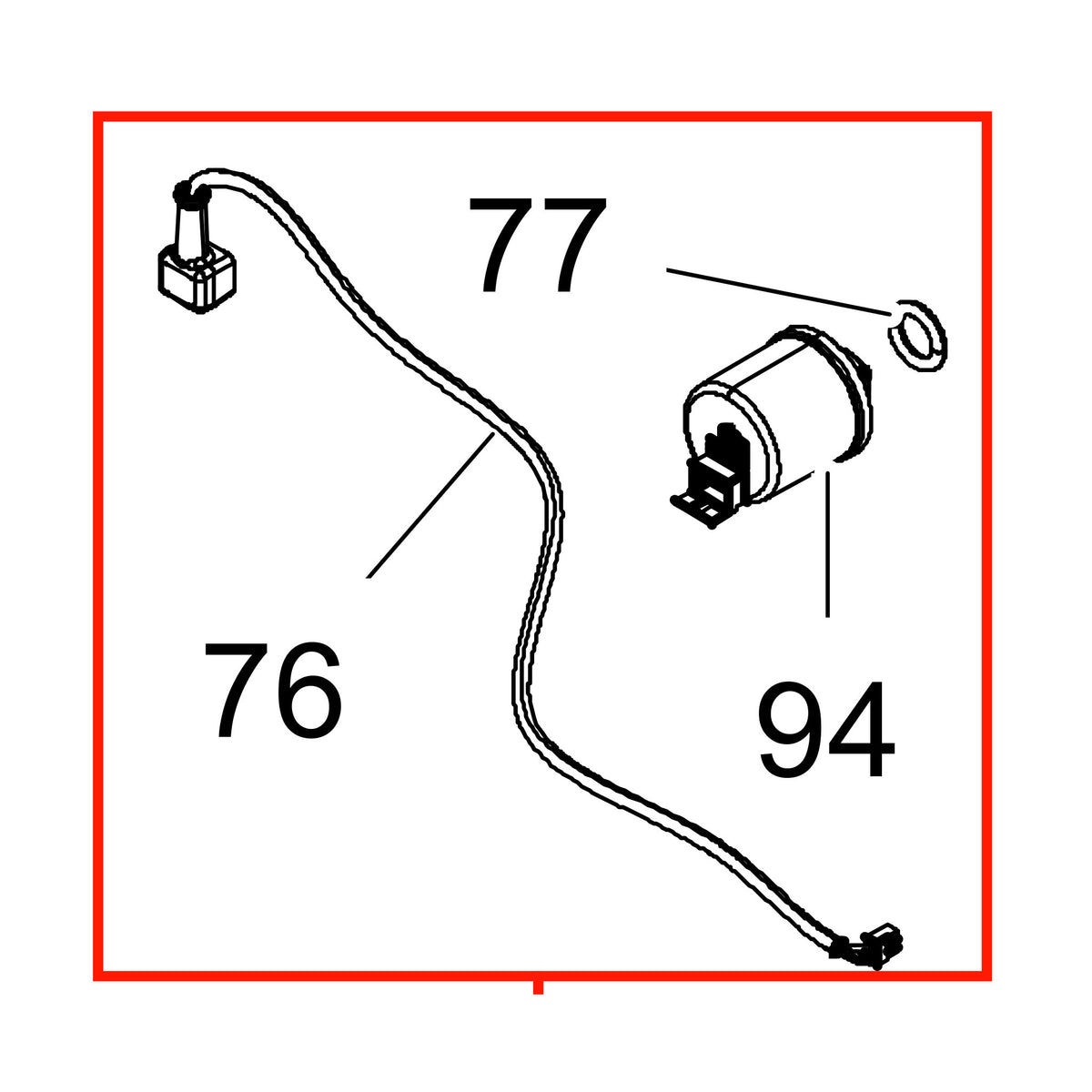
Position 20 on all four DAB lists. The exploded view shows the sensor with its cable and connector fitted onto the hydraulic manifold, immediately above the flowmeter kit at position 19 and alongside the outlet body group at position 22. DAB distinguishes two pressure readings in its alarm codes: BP1 is a blockage due to a reading error on the delivery pressure sensor, and BP2 a blockage due to a reading error on the suction pressure sensor.
Fits
- DAB EsyBox Mini 3, all four published revisions: N.1 (product code 60179457), N.4 (60183501), N.5 (60183501) and N.6 (60212598). DAB lists this part at position 20 on every one of them.
- Stable across all four revisions. DAB uses the same item number, SP00002196, at position 20 on N.1, N.4, N.5 and N.6, so you do not need to know which revision you own before you order this part.
- The four DAB lists behind this listing are a Schuko build, product code 60179457, and Australian builds, product codes 60183501 and 60212598. DAB publishes no US list in this document series, so US buyers should check the item number against the technical data plate on their own pump before ordering.
Before You Order
- DAB prints this caution at the head of every EsyBox Mini 3 spare parts list: "Attention: check the correspondence with the revision of your product."
- DAB troubleshooting lists BP1 and BP2 on the display against the cause faulty pressure sensor, with the instruction to contact the assistance centre. Confirm which sensor your pump is reporting before ordering.
- How to check your own pump. DAB keeps the technical data plate inside the technical compartment. Open the door on Face A, which is the top face of the pump in the vertical installation, and read the plate: DAB shows it as item 2 in Figure 3 of the EsyBox Mini 3 instruction manual, alongside the quick guide, the filling cap, the accessory tool, the motor shaft and the QR code. If you cannot make out a revision, photograph the whole plate and send it with your order.
- DAB instruction manual, maintenance section: disconnect the power supply before starting any work on the system.
- For context, four positions on this pump do change between revisions: the HMI at position 8, the power cable at position 10, the main board at position 12 and the complete motor at position 18. DAB also adds a bug filter to the list from N.4 onward. This part is not one of them.
Choose options